

Studio case study
Visual Design
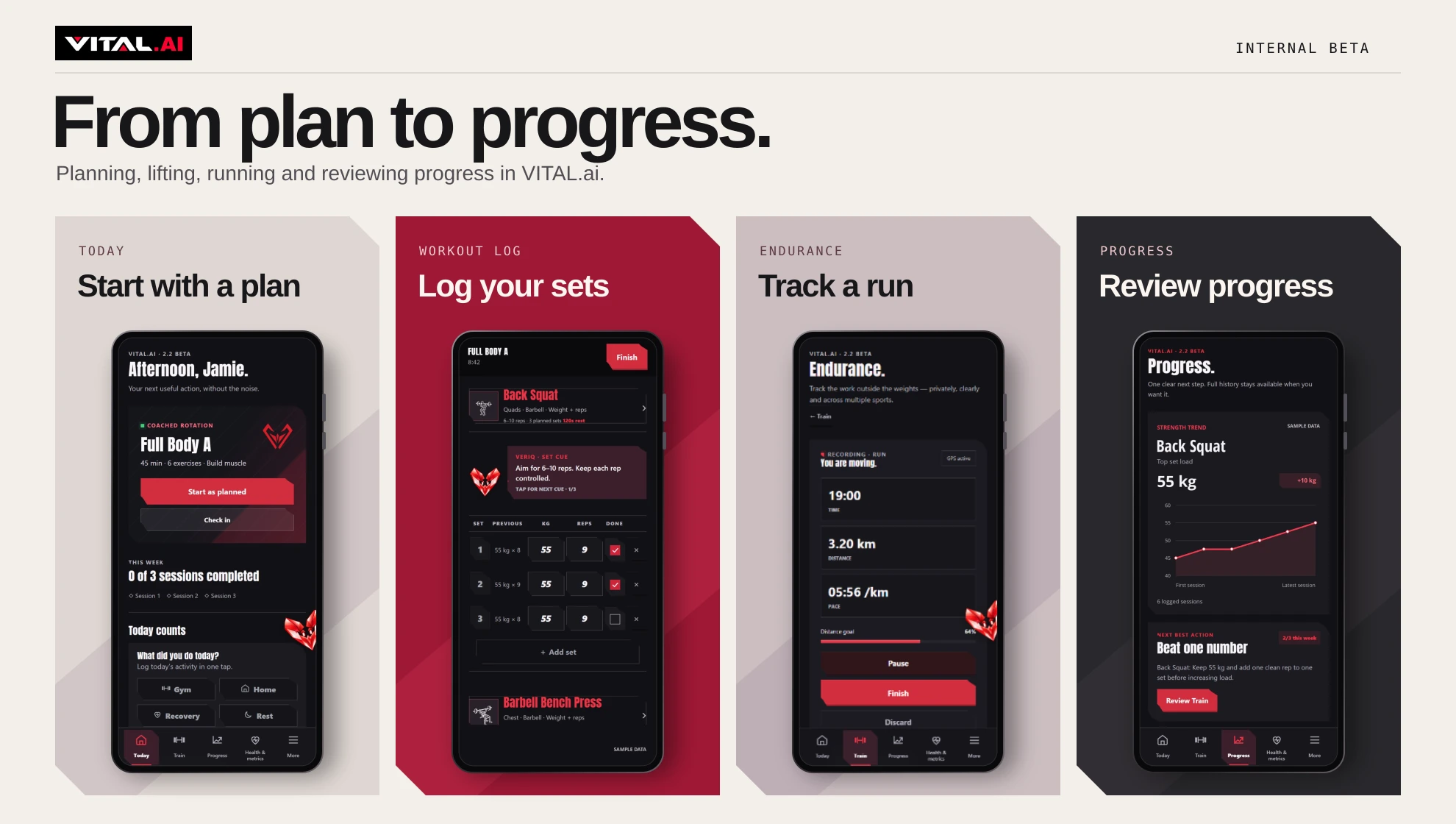
The app screens we designed for VITAL.ai and the web layouts we built for TWLV.
Visual design
Dark surfaces, angular panels and crimson accents give the VITAL.ai screens a common look. The same red picks out the main action during a workout and marks the progress bar during a run.
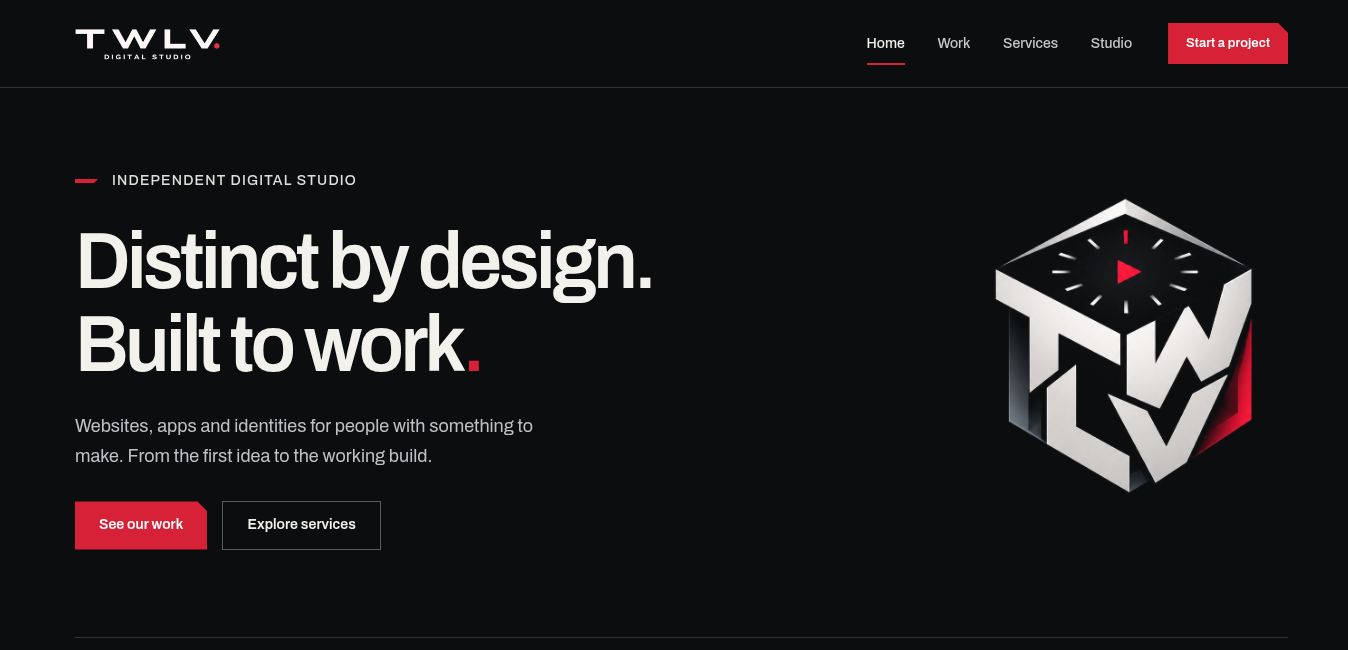
For the studio site, we use the wordmark when there’s room for the full name. The clock cube fits beside the navigation on a phone.
See how we designed the TWLV identityApp design
In the gym, someone logging a set needs the weight, reps and completed sets in one place. The squat log keeps those details together. During a run, elapsed time, distance and pace sit in larger type so the runner can read them at a glance.
The beta keeps a finished activity available if saving is interrupted. The VITAL.ai case study explains how that works and what we checked in testing.
Web design
Visitors need to know what we build before they decide whether to look through the work or get in touch. The early desktop layout put the headline and actions on the left. The current version kept that layout, named websites and apps in the headline and brought the links to our work closer to the top.
On phones, the copy and project images stack. The same four main navigation links stay within reach while you scroll.
Project status
The VITAL.ai screens are from the internal beta and show sample training data. The web design is from TWLV’s own portfolio.
Have a project
in mind?
A few lines about what you need and who it’s for are enough to start.
Start a project